Taja AI · Full tutorial
Taja AI tutorial: from one video to a week of shorts
Part of the Taja AI tool listing, 1 in-depth guides plus the full review.
The short answer
Upload one long-form video, and Taja generates YouTube titles, descriptions, chapters and tags, a batch of face-tracked shorts, LinkedIn, X and Threads posts, and a calendar that publishes them across six platforms without you touching them. On my two channels this took shorts output from 8 to 12 up to 55 to 70 a month. Twenty to thirty percent of the shorts still need editing before they ship, and the blog output is a draft source rather than a page.
I run Taja on every long-form video I publish, and one upload becomes titles, descriptions, chapters, a batch of face-tracked shorts, LinkedIn and X posts, a rough blog draft and a scheduled calendar across six platforms without me touching them again. That’s the pitch.
It’s also where most tutorials stop. What follows is the workflow I use on my own channels, the two outputs I don’t trust, and the one video type that breaks the automation before it starts.
Upload the long-form once, and pick the source before you drop it
The dashboard is a drag-and-drop box and a paste-a-YouTube-URL field. That is the whole entry point.
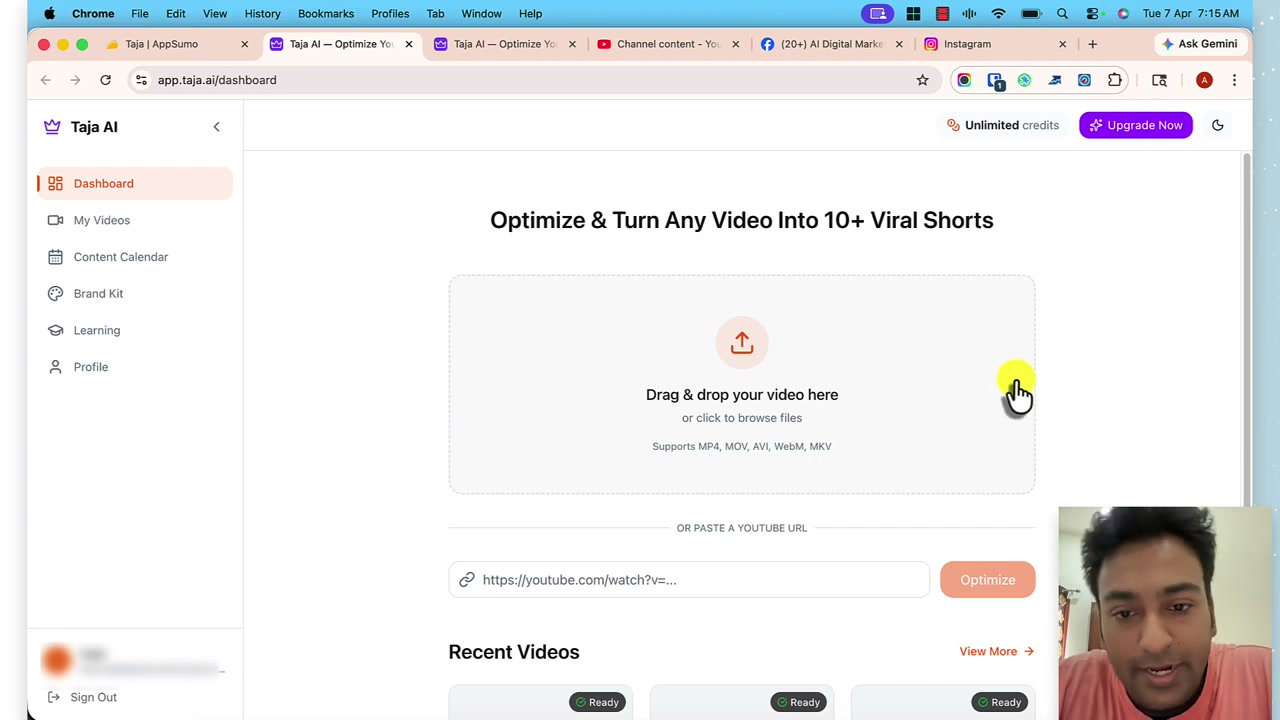
What matters before you drop is the source.
Face-to-camera footage is what the automation is designed for. The face-tracker finds a speaker, crops to a 9:16 vertical, keeps the head roughly centred, and does it without human input. Screen-share tutorials can’t be intelligently cropped to a vertical frame, so on that footage the automation stops at “auto” and you’re reframing every clip by hand.
That distinction decides whether Taja is a one-click tool or a two-click tool for your channel. Name it before you upload rather than after.
YouTube metadata is the output I trust with the least editing
Once the video is processed, seven tabs run across the top of the page: YouTube, Shorts, Clips, Blog, LinkedIn, X and Threads. The YouTube tab is the one I edit least.
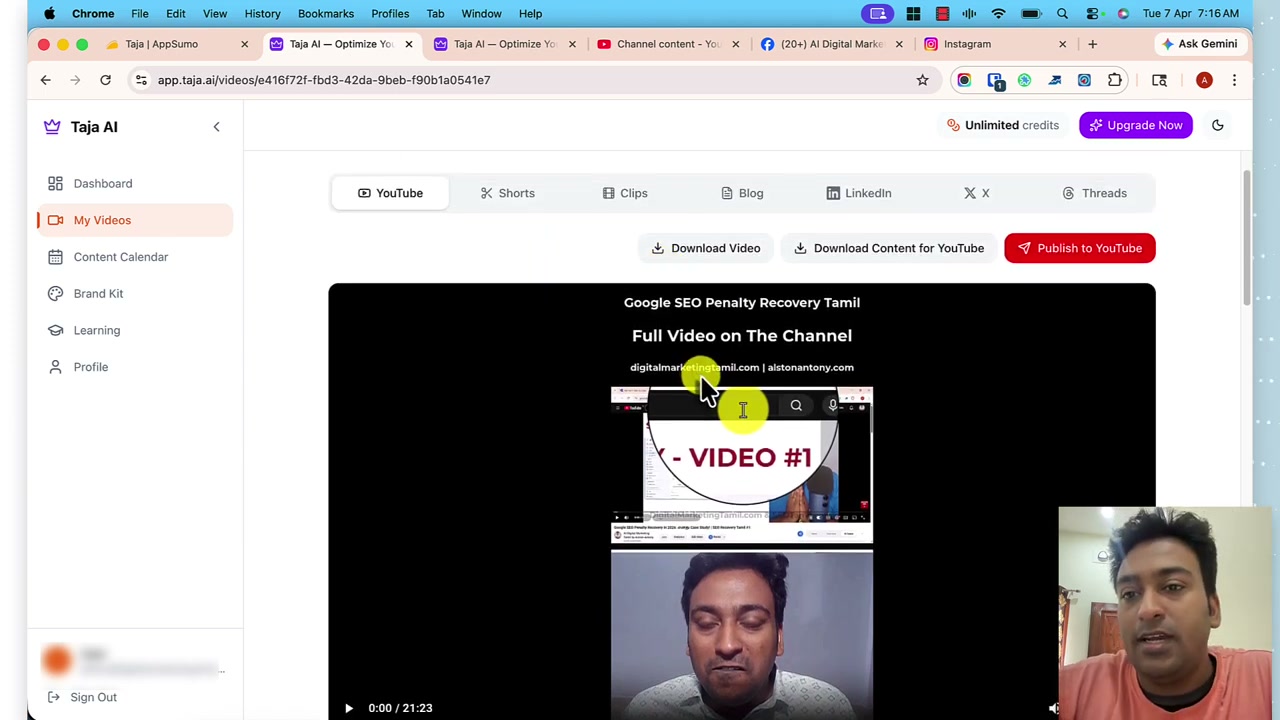
Titles are the exception. Taja optimises for engagement patterns rather than a specific query, and I want the query. So I rewrite the title and let the rest ride.
Chapters land close enough that I publish them as generated on roughly nine videos out of ten. Descriptions I trim by about a third, because they read as a summary of the whole video rather than a hook for the search snippet. Tags I keep, because the platform’s own weighting has moved so far from tag matching that arguing over them isn’t worth the minute.
Shorts are the reason I keep the tool, and 20 to 30 percent do not ship
Shorts are the compounding piece. On my own channels, monthly shorts output went from 8 to 12 up to 55 to 70 in the first month I ran Taja on every upload.
That isn’t a marginal lift. That’s a distribution layer that wasn’t there before.
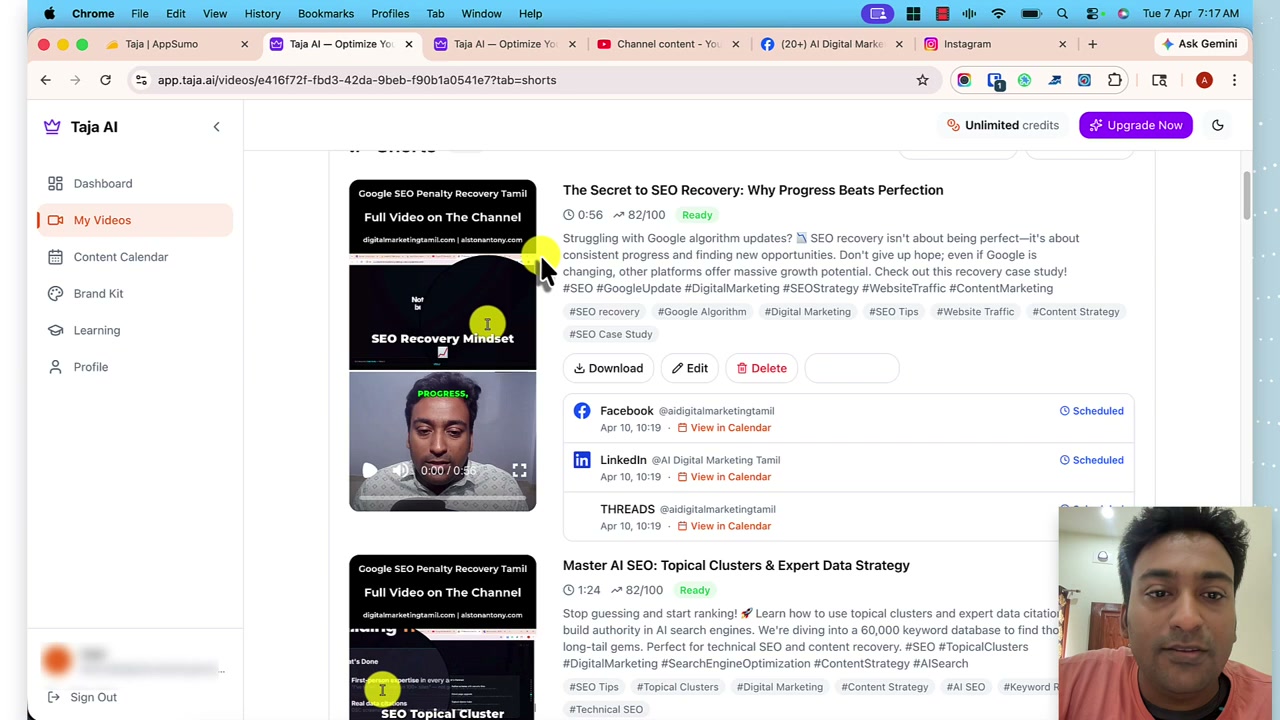
The receipt has a footnote.
I delete roughly a fifth to a third of the generated shorts before scheduling. The cut lands on the wrong beat, the caption misreads a word, the first two seconds aren’t the hook. Reviewing ten shorts a week beats making them from scratch by an order of magnitude, so I don’t mind the review pass.
But nobody in the “one-click” pitch tells you the review pass is there.
Clips need thirty minutes of source, and screen-share needs a manual vertical
Two limits are worth naming before they surprise you on the first run.
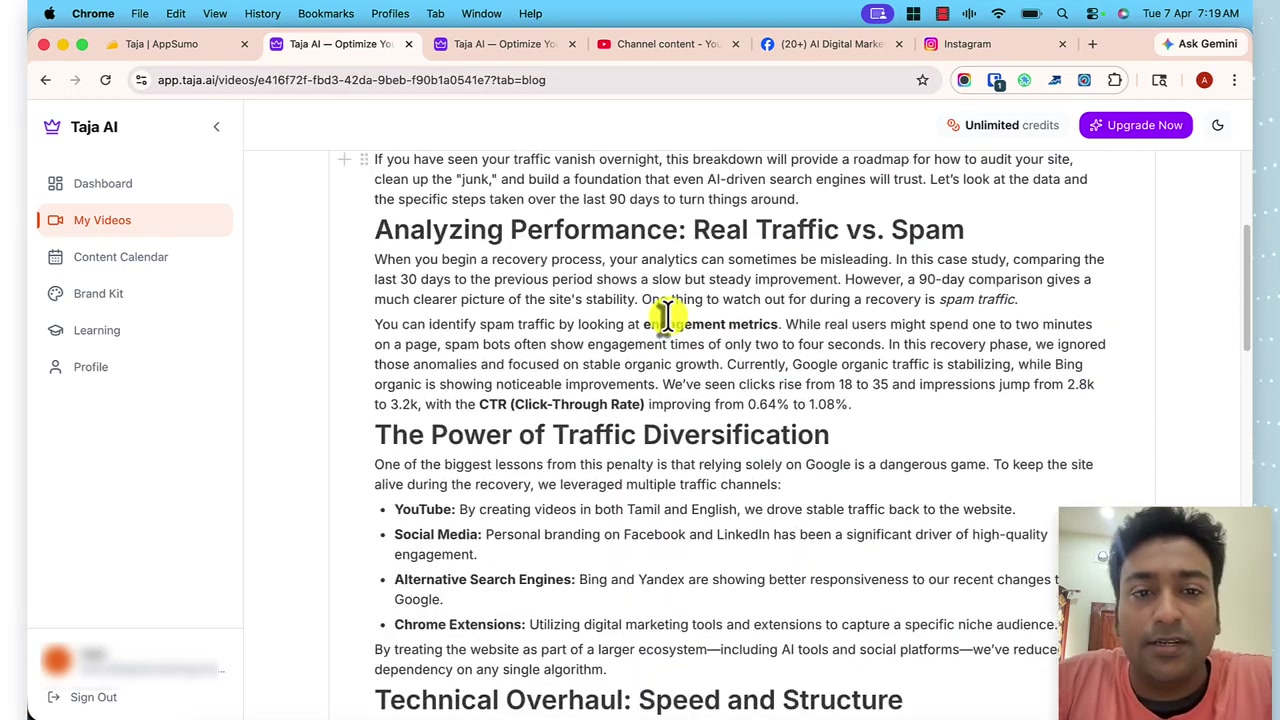
Clips are the two-to-fifteen-minute mid-form outputs that sit between shorts and the long-form. They won’t generate on a source video under 30 minutes.
A 15-minute review video gives you shorts only. Nothing on the pricing page I checked on 2026-08-19 says this, and the message appears the first time you open the Clips tab on a short source.
The screen-share caveat is worse because it isn’t a message. It’s a whole category of footage the automation can’t handle. My tutorial videos now get a manual vertical export in ScreenPal before I import them to Taja, and the shorts on that footage are downstream of that manual step rather than the automation.
The calendar and connected platforms are the boring layer that saves the hours
Under Profile is a list of the platforms the tool can publish to: YouTube, TikTok, Instagram, Facebook, LinkedIn, X and Threads.
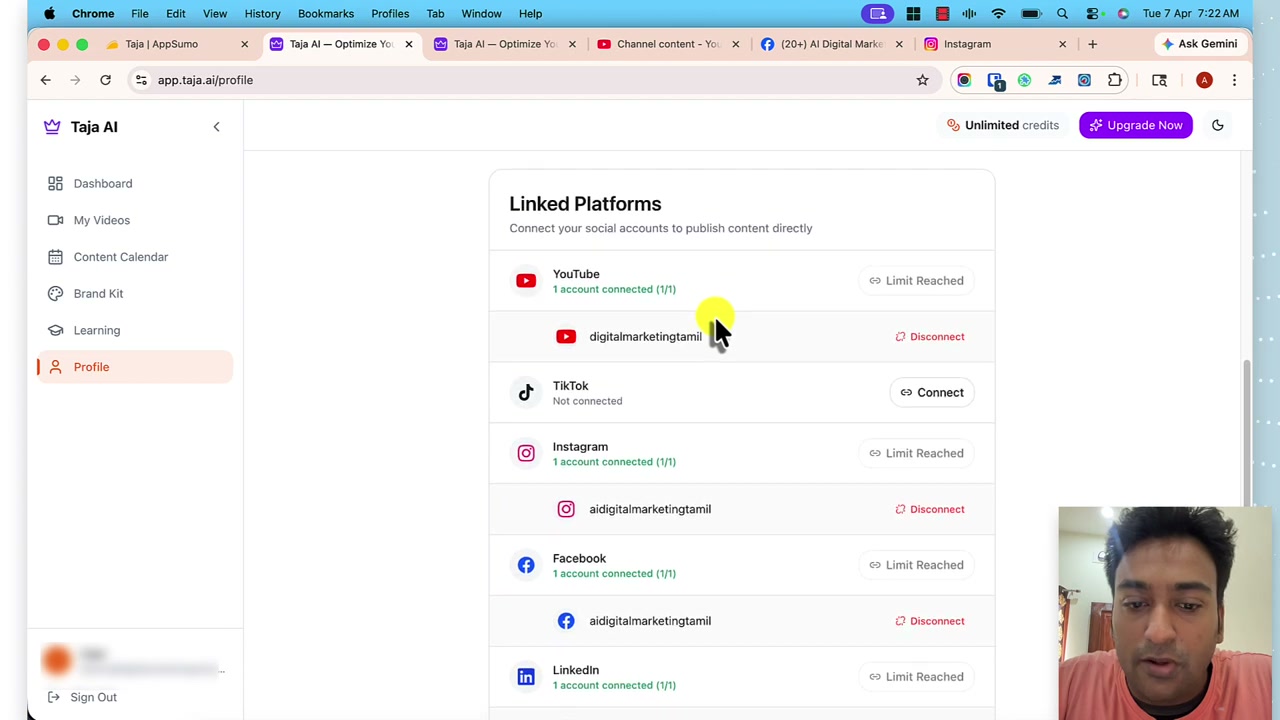
Once these are connected, the shorts and posts I approve schedule themselves across the channels I picked without me opening any of them. The Content Calendar view shows what has already published, what’s queued, and which platform each item belongs to.
The calendar is the piece that drops repurposing time per video from six to eight hours down to under 30 minutes. It’s the reason the tool pays for itself even on the plan where the shorts count is capped.
TikTok has been the least reliable publisher in my testing, and I still upload to it manually on the videos that matter.
What I do not publish: the blog draft, and thumbnails without review
The Blog tab produces a written article from the transcript.
For an internal show-notes page, it’s fine. For an SEO page I want to rank, it’s a draft source rather than a deliverable, because the prose is transcript-shaped: repetition, hedging, and a structure that follows the video rather than the query. Publishing it as a page is the mistake most Taja tutorials skip past. I use it as a scaffold and rewrite from there.
The AI thumbnails, configured in Brand Kit, are the same shape of output. Usable, not good.
I export a still and finish the thumbnail in another tool, because the click-through gap between “usable” and “good” is where most of the video’s traffic lives.
What this tutorial did not cover
Three things worth naming, so you know what the video and this page leave out:
- The blog rewrite. This page shows you what Taja generates. It does not show you how to turn transcript prose into a page that ranks. That is a different job, and I no longer treat Taja’s output as the start of that one.
- Pricing and where the tier boundary bites. Whether Starter is enough, and where the monthly video and shorts caps hit on a real publishing schedule, live on the Taja listing with the vendor’s current published figures and their check date.
- The alternatives. vidIQ, TubeBuddy and Frase do different jobs on the same footage. If shorts and multi-platform publishing are not the bottleneck, one of those is the tool you actually want.
The one-click pitch is real for face-to-camera creators publishing weekly. For everyone else it is a two-click pitch, and the second click still saves the afternoon it used to eat.
Disclosure: I ran Taja on two of my own channels for 30 days and now use it on every long-form video I publish. The full hands-on review is on zplatform.ai under my own byline. Some links to Taja are affiliate links; I would use the free trial first regardless.
Questions
What is the minimum video length for Taja Clips?
Thirty minutes. A source video under that produces shorts only, not the two-to-fifteen-minute clip format that sits between shorts and the long-form. The Clips tab shows "Video Too Short for Clips" on the first run, and it is the first tier boundary most people hit that is not documented on the pricing page.
Which social platforms does Taja publish to directly?
YouTube, TikTok, Instagram, Facebook, LinkedIn, X and Threads. Once each is connected under Profile, generated shorts and posts publish from the content calendar without opening any of them. In my testing TikTok has been the least reliable publisher, and on the videos that matter I still upload to it manually.
How much of Taja's output do I actually review before publishing?
The title, roughly a third of the description, the thumbnail, and a review pass on about a fifth to a third of the generated shorts. Chapters, tags, LinkedIn and X posts and the rest of the shorts I publish as generated. On my two channels this brings repurposing time per video from six to eight hours down to under 30 minutes.
Can I edit YouTube Shorts inside Taja before they schedule?
Yes. Each generated short has an inline editor for title, caption overlay, subtitle font, highlight colour and crop position, plus six subtitle animation styles including word-by-word highlight, pop, single word, typewriter, motion and banner. This is where most of my review pass happens rather than in an external editor.
Sources
Each one says which claim on this page it stands behind, and when it was read.
- Taja pricing Verifies pricing, plans, limits · read 19 August 2026
- Taja product site Verifies features, availability · read 2 September 2026
- Hands-on Taja AI review Verifies features, limits · read 19 August 2026
Where to go next
- Taja AI: the full listing What it does, what it costs, and what it cannot do, with every field dated.
- vidIQ, if research is the bottleneck The tool you actually want when YouTube keyword and competitor research is the job, not repurposing and publishing.
- TubeBuddy, for bulk channel management A different end of the YouTube-tool market, focused on channel operations and A/B testing thumbnails.
- Frase, when the written article is the deliverable Taja's blog output is transcript quality. Frase is one path to something you can ship as a page.