On-Page SEO
ClickRank AI
Optimize content for AI search engines like ChatGPT, Claude, Perplexity, and Google Gemini.
Quick summary
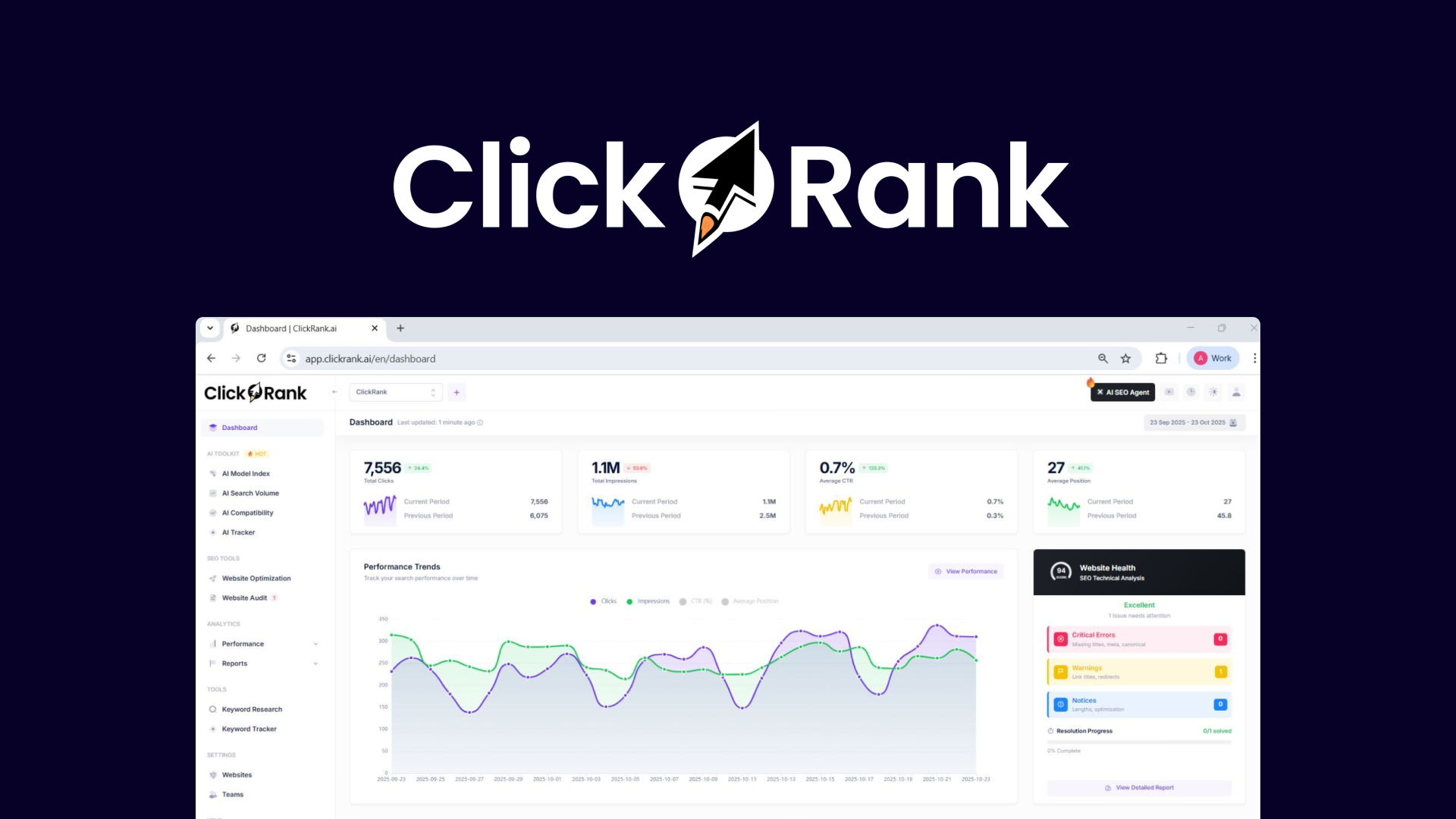
ClickRank connects to Google Search Console and automates on-page fixes — titles, meta descriptions, schema markup, internal links — then deploys them live on any CMS. The $89 lifetime deal replaces a $690/year subscription. The AI agent lets you query your own GSC data in plain English.
How ClickRank AI Compares
| Tool | Price | Lifetime available | Limits |
|---|---|---|---|
| ClickRank AI | $89 | Yes (this deal) | See features below |
| Surfer SEO | $89/mo | No | 30 articles/month on Essential |
| Rank Math | Free / $5.75/mo | No | WordPress only |
| NeuronWriter | $23/mo | No | 25 analyses/month on Bronze |
ClickRank's edge is deployment, not analysis. Every SEO tool can tell you your titles are wrong. ClickRank rewrites them and pushes the change live. In testing it crawled 774 pages, surfaced 2,021 issues, and the AI agent querying my own Search Console data was the genuine surprise. The content writer, however, failed. Skip it and use the optimization features.— Alston Antony, SEO & AI Search Expert
Who Should Buy the ClickRank AI Lifetime Deal?
ClickRank is for site owners who have hundreds of pages with on-page SEO problems and need a tool that fixes them rather than just listing them. If your site has dozens of page-two rankings that need targeted title, meta and schema optimization, and you want those changes deployed automatically rather than handed to a developer as a spreadsheet, ClickRank is the tool.
The AI agent that queries your Search Console data in plain English is the feature that separates ClickRank from content optimization tools. Ask it “which pages lost the most clicks this month” or “find pages ranking position 11-20 with more than 500 impressions” and it returns prioritized actions. This turns GSC from a data source into a decision-making tool.
Read the full ClickRank listing in our SEO tools directory for the complete feature breakdown, evidence level, and comparison with alternatives.
When This Deal Is Not the Right Fit
If your site is small (under 50 pages), ClickRank is over-engineered for your needs. The bulk optimization features shine on sites with hundreds or thousands of pages where manual optimization is impractical. Small sites are better served by a WordPress SEO plugin like Rank Math or Yoast.
Skip the AI content writer entirely. In Alston’s hands-on testing, the content writer failed to produce usable output and skips the outline step that makes AI content workable. Use ClickRank for what it does well — on-page optimization and deployment — and use a dedicated content tool for writing.
Strengths
- Deploys changes live rather than just suggesting them
- Works on any CMS through a snippet, not limited to WordPress
- AI agent for GSC queries is genuinely useful for prioritization
- Large AppSumo user base with 482 reviews validates the product
Limitations
- Changes persist only while the code snippet remains installed
- AI content writer failed in testing and skips the outline step
- Dashboard can feel overwhelming with 2,000+ issues on a large site
Key Features
- Automated title and meta description optimization in bulk
- Schema markup generation and deployment
- Internal link suggestions and implementation
- AI agent for querying Search Console data in plain English
- Multi-CMS deployment via installed code snippet
- Content optimization for AI search engines
Who Is This Deal Best For?
- Site owners with hundreds of pages needing bulk on-page optimization
- SEO consultants who need to deploy fixes across client sites quickly
- Teams with page-two rankings that need targeted optimization, not new content
Frequently Asked Questions
What does ClickRank AI do?
Is the ClickRank lifetime deal on AppSumo genuine?
Does ClickRank work with WordPress?
Related Pages
Browse all verified offers on our SEO deals hub. For full tool reviews with features, limitations and alternatives, see the SEO tools directory. Read the full ClickRank AI listing in the directory.
Deal verified on August 21, 2026 against the platform page. This page contains affiliate links. Purchases through these links pay a commission at no extra cost to you. See our transparency page.