Leads-Sniper · Google Maps
Leads-Sniper Google Maps tutorial: 421 unique leads, 2,000 queries
Part of the Leads-Sniper tool listing, 3 in-depth guides plus the full review.
The short answer
Use the built-in Bulk Keyword Generator to combine niches with cities, feed the query list into the Leads-Sniper Google Maps Scraper, and let the Chrome extension iterate through the searches. In my test I ran 2,000+ combinations targeting healthcare-related businesses across India and the export came back with 421 unique Google Business Profile leads after Place ID deduplication. Volume comes from bulk queries, not from a single seed.
I ran the Leads-Sniper Google Maps Scraper on healthcare-related businesses across India and it returned 421 unique leads from 2,000+ query combinations, exported to Excel with the full Google Business Profile field set. This is a specific tutorial because Google Maps at scale is not “one search”. It is a bulk-query workflow with a dedup step in the middle.
Install the extension for Chrome or Edge
Leads-Sniper is a Chrome extension. Install it, activate the Google Maps Scraper module, and you land on the run panel. The extension works in Microsoft Edge too, which matters if you want a scraping-only browser profile isolated from your personal Chrome.
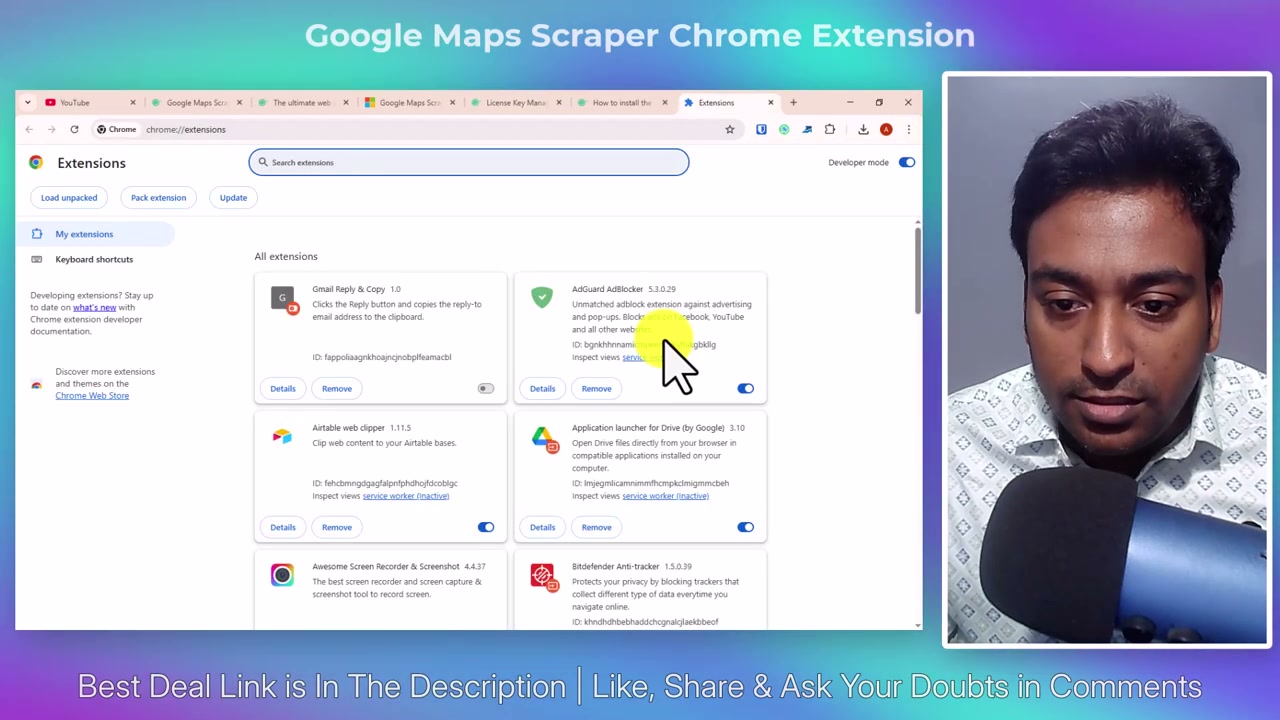
Activation is per-module. Buying just the Google Maps tool activates only the Google Maps module; buying a bundle unlocks all four inside the same extension.
The scraping options set the frame
Before you generate any keywords, open the Google Maps scraping options panel. This is where you decide the shape of the job.
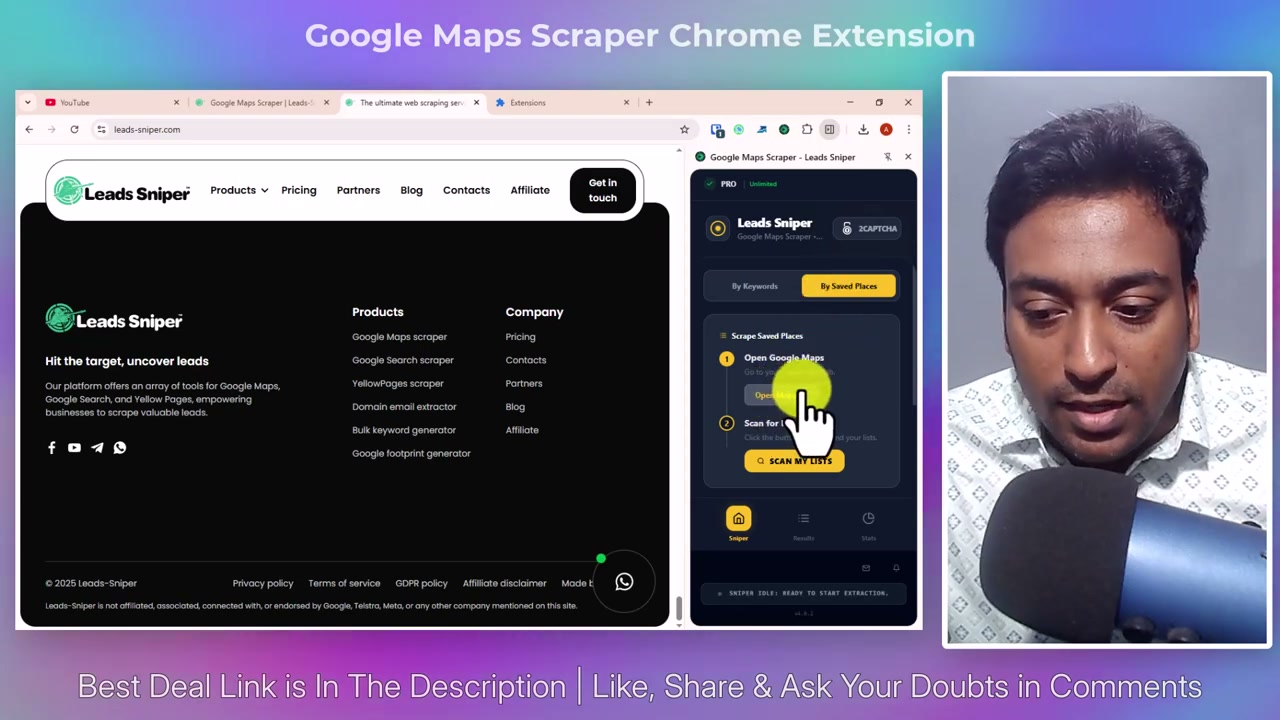
Three settings matter most:
- Category: broad (“healthcare”) or specific (“dermatology clinic”). Broad returns more leads with lower pitch density. Specific returns fewer with higher density. For local-SEO prospecting the specific version is usually the right call.
- Location scope: single city, city list, or country. A single city returns tens; a city list returns hundreds after dedup; a country-wide job with a bulk keyword generator behind it returns four hundred plus, which is the test in the video.
- CAPTCHA handling: solve manually with pause-resume, or wire in the CAPTCHA-solving integration. Under a few hundred queries you can get away with manual; above that, the integration is what keeps the job running.
Set this before you generate the query list, because the settings shape which query list to generate.
Bulk Keyword Generator: this is the volume lever
One search returns one city’s worth of one category. Ten cities × twenty categories × a few adjectives is where the volume comes from, and the Bulk Keyword Generator is what produces that matrix without a spreadsheet.
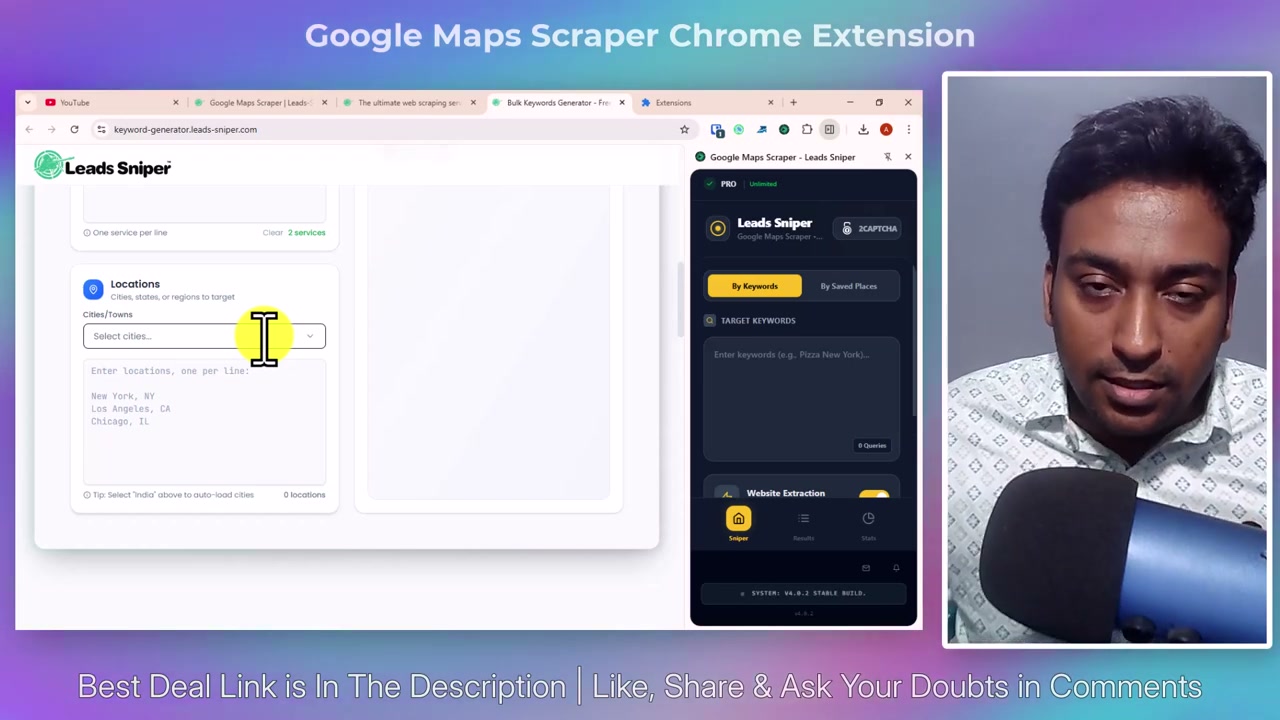
Feed it two axes:
- A list of categories: general practitioner, pediatrician, dermatologist, physiotherapist, dentist, ophthalmologist, orthopaedic surgeon, and so on.
- A list of locations: cities, states, districts. India-wide healthcare is what this test ran; UK-wide plumbers, US-wide dental clinics, or Australia-wide gyms would produce the same shape at similar volumes.
The output is the cross-product: every category paired with every location, as a Google Maps query. In my test that was 2,000+ combinations. The generator hands the list straight to the scraper.
Let it run, watch the dedup climb
Start the scrape. The extension iterates through queries at Google Maps’ pace, drops each result into the running dataset, and applies the Place ID dedup live. The counter you watch is not “results scraped” but “unique businesses collected”, because the same business shows up in three different queries — a physiotherapist in Bengaluru returns for “physiotherapist Bengaluru” and “physical therapist Bengaluru” and “physiotherapy clinic Bengaluru” — and you want the row once.
CAPTCHA will fire at some point on a job this size. Pause when it does, solve it in the Google Maps tab, resume. Or leave the CAPTCHA integration running and let the extension handle it. Either way the running dataset is preserved; a CAPTCHA does not lose the leads already collected.
In my India-wide healthcare test the final count landed at 421 unique leads. That is the number after dedup, not the number of results Google Maps returned across 2,000+ queries.
Read the export before you send anything
Export the dataset as CSV, XLSX or JSON with the field checklist. For local-SEO prospecting the file you want has: business name, address, phone, website, review count, rating, category, Place ID.
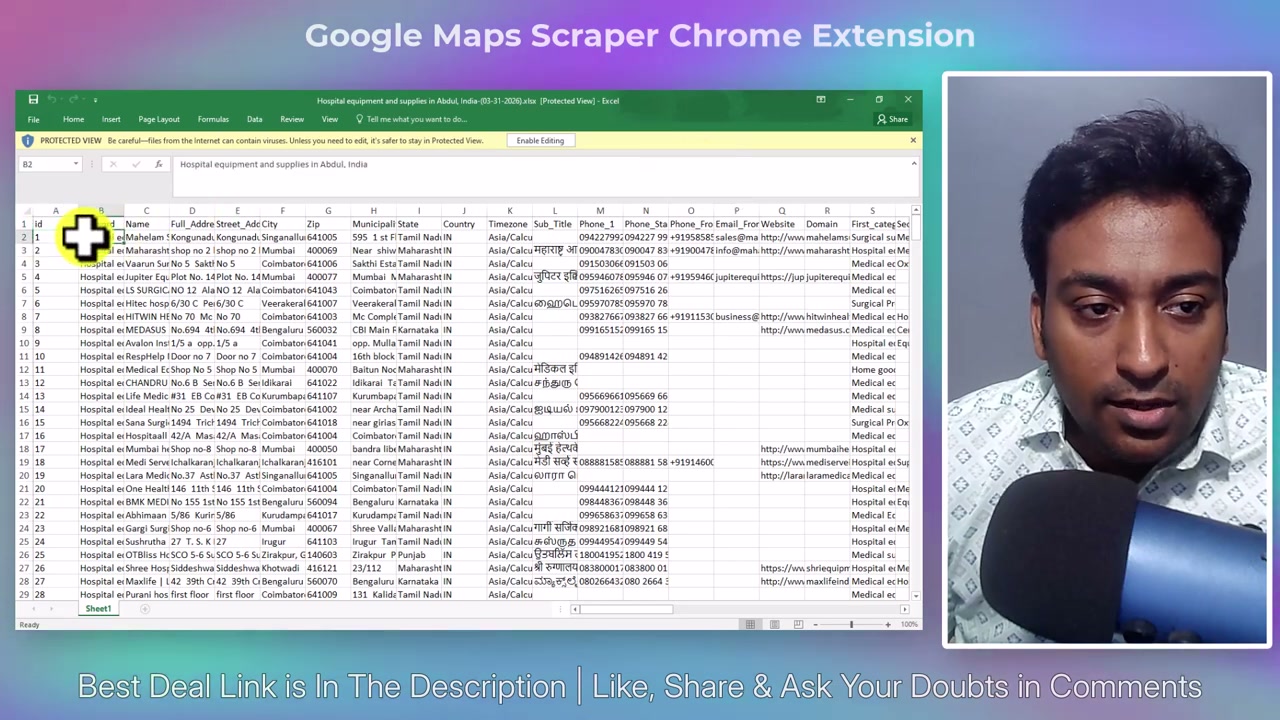
Now sort the CSV three ways and three different qualified pitch lists come out:
- Rating below 4.0 with more than 20 reviews → reputation-management prospects. Real reviews at a low average is a business with a specific problem and a budget for it.
- Website field empty → web-design prospects, or Google Business Profile audit prospects if they have a listing but no site.
- Website present but not in Google’s top three for the exact keyword in that city → local-SEO prospects. The category and city are already in your CSV; check the SERP for the pair and you have a specific pitch.
421 leads, three pitch angles, one seed session. That is what the Google Maps Scraper is for.
What this tutorial did not cover
Two things the video and this page leave out:
- The outreach. Leads-Sniper is scrape-only. The CSV goes into an outreach platform for sending; email verification lives in a separate tool between the two.
- The pricing decision. Whether the $149 lifetime Google Maps Scraper beats a monthly subscription for your volume is a decision. The Leads-Sniper listing carries the current pricing, the bundle discounts and the alternatives with dates.
For the cross-platform B2B prospecting source: the Google Search Scraper walkthrough. For the country-restricted business directory: the Yellow Pages Scraper walkthrough.
Disclosure: I tested Leads-Sniper on the Chrome extension in August 2026. Some links in this article are affiliate links, including the 40% off lifetime deal on the listing above. I would use the free trial first on whichever scraper matches your prospecting workflow.
Questions
How does the Google Maps Scraper handle duplicate businesses?
It deduplicates by Google's Place ID, which is the unique identifier every Google Business Profile carries. Two searches that both return the same business get one row in the export, not two. In my test 2,000+ query combinations returned 421 unique leads after dedup, which is the number that matters for outreach volume.
What data does the Google Maps Scraper collect per lead?
Business name, address, phone number, website or domain, review count, average rating, business hours, category, latitude and longitude, Google Business Profile URL and Place ID. Whether any individual field is populated depends on what the business has published; the export dialog lets you drop fields that will not fill.
How large a scrape can the extension handle in one job?
The ceiling is your local browser's rate of getting CAPTCHA'd rather than a hard cap in the tool. A few hundred queries is comfortable; a few thousand needs CAPTCHA handling wired in and a plan for pause-resume. Bigger jobs run better split into per-city or per-category chunks.
Does this work for local-SEO prospecting outside the biggest cities?
Yes, and it is often more useful there. Big-city categories are saturated in a hundred other lead lists; a tier-two city with the same category returns fewer leads but higher pitch density, because nobody else is scraping it. Feed the Bulk Keyword Generator ten cities and let it run.
Sources
Each one says which claim on this page it stands behind, and when it was read.
- Leads-Sniper pricing Verifies pricing, plans, deal · read 26 August 2026
- Leads-Sniper product site Verifies features, availability · read 26 August 2026
Where to go next
- Leads-Sniper: the full listing What it does, what it costs, and what it cannot do, with every field dated.
- The Google Search Scraper walkthrough The footprint-driven cross-platform source. Best for B2B prospecting via advanced Google queries.
- The Yellow Pages Scraper walkthrough The country-restricted business directory. Best for reputation-management pitch lists.
- Keyword research and search demand The bulk keyword generator here is what the KR lesson would call a niche-plus-location seed set.
Affiliate link. It pays a commission and did not buy this listing or its position.